
Templates
Hot Work Permit Template|An Online Safety Form
Turn your paper hot work permit into a safety form people can fill in online, sign on site, and export straight to PDF for filing. From hazard identification to approval signatures, one form walks the entire safe work permit process end to end.
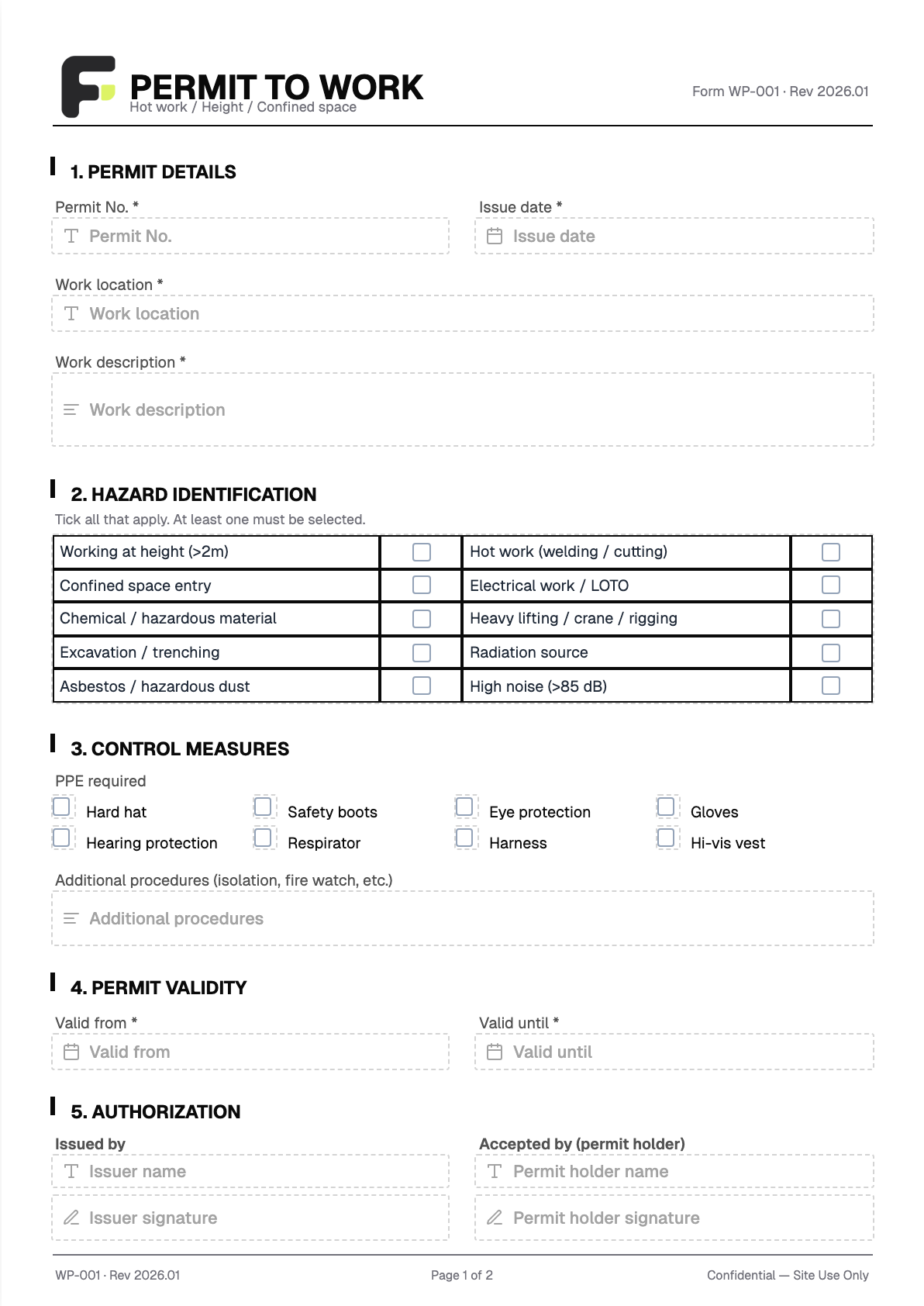
Fields included
- Permit Number * Text
- Issue Date * Date
- Work Location * Text
- Work Description * Long text
- Hot Work (Welding / Cutting) Checkbox
- Required PPE (Hard Hat / Goggles / Respirator, etc.) Checkbox
- Effective Time * Date
- Expiry Time * Date
- Issuer Signature * Signature
- Permit Holder Signature * Signature
- Closeout Signature * Signature
Who it is for
Built for engineering, maintenance, construction, and facility teams: the issuer opens the permit, the worker accepts it, and the site supervisor checks it daily and closes it out. Fill and sign right from a phone, then generate a fixed-format PDF that's easy to file and retrieve — no more printing stacks of paper to pass around the site.
FAQ
Do the people filling in the form need to register an account?
No. On-site workers just open the link to fill in and sign — no login or account needed. An account is only required on the admin side to view submission records.
Can I export a PDF after filling it in?
Yes. Every completed hot work permit generates a fixed-format PDF including the on-site handwritten signatures, ready to download for filing or print for display. You can also export to Excel / CSV to organize your records.
Can it be changed to our own company's safety form format?
Yes. This is a template. We rebuild it as an online version based on your existing safe work permit form — matching your fields, hazard items, approval order, and layout. You receive a finished product; there's no tool for you to learn or lay out yourself.